
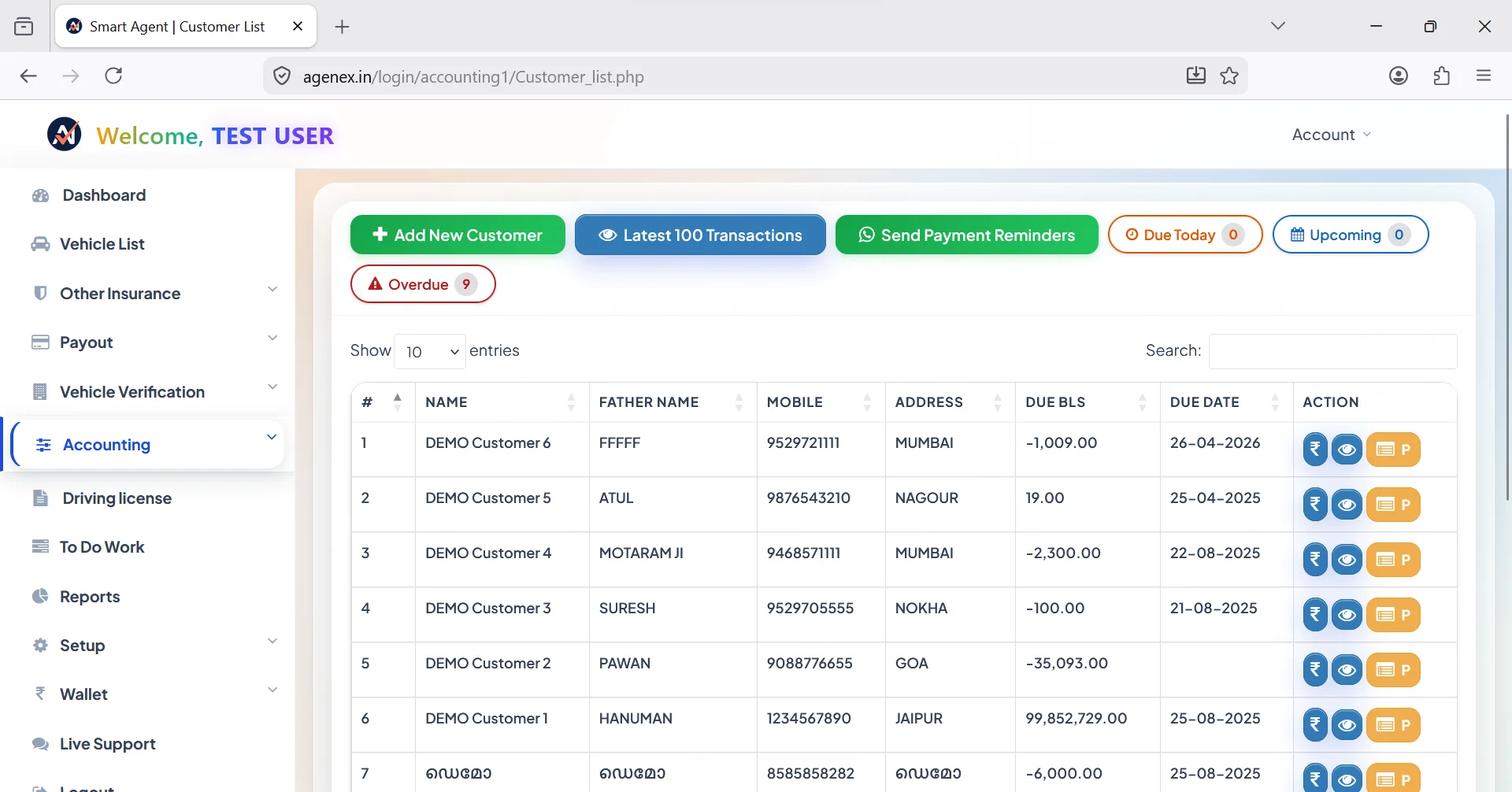
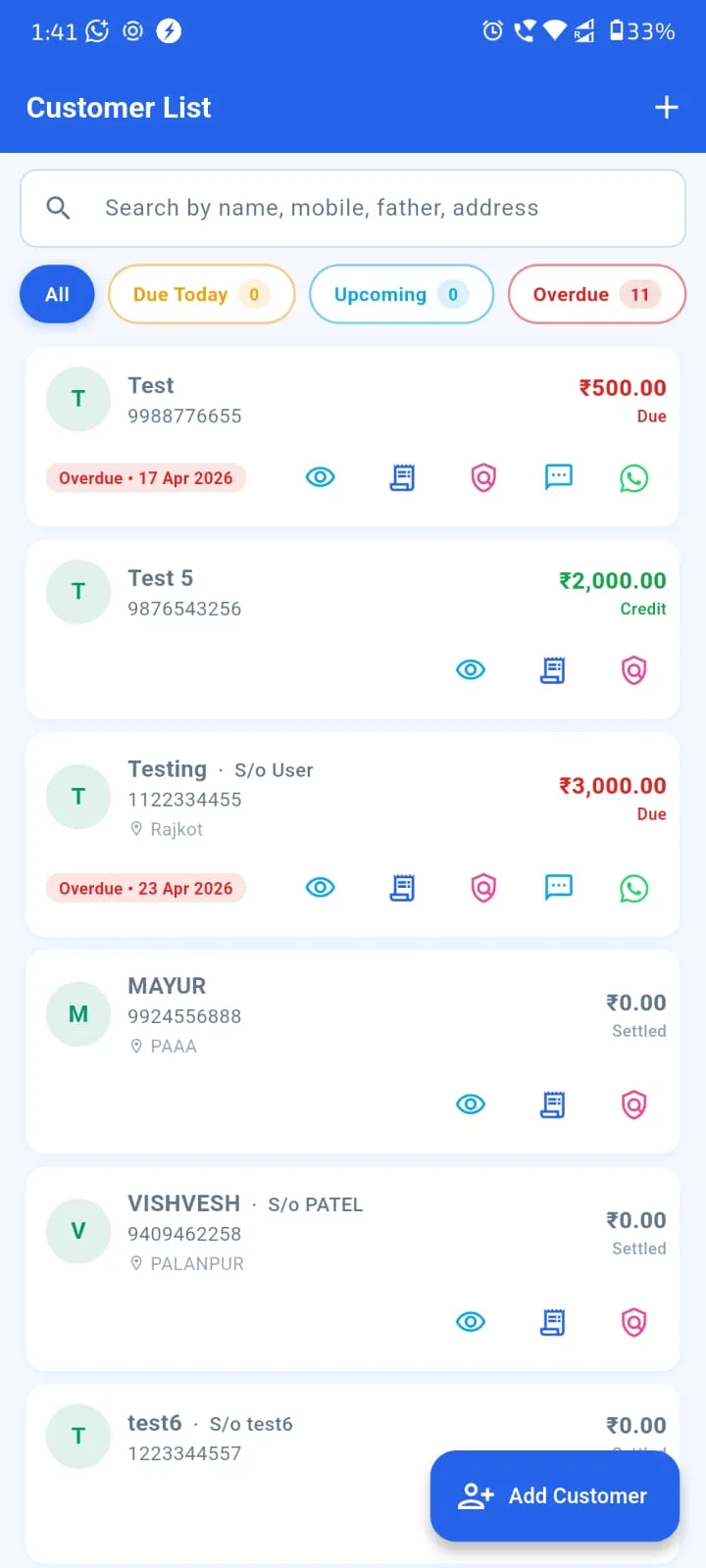
There's a meaningful difference between a CRM (Customer Relationship Management) and an AMS (Agency Management System). A CRM focuses on customers and policies. An AMS goes further — it manages the entire agency operation: sub-agents and POSPs, multi-branch hierarchies, role-based access, agency-wide reporting, accounting, document vault, lead pipelines, marketing automation. For Indian insurance agencies past the solo-agent stage, the question isn't "do I need software?" — it's "do I need a CRM or have I outgrown it and need a full AMS?" This guide walks through the difference and when the upgrade makes sense. Related: Best Insurance Agency Management System 2026, Audit-Ready Management System, Cloud-Based Insurance Software.
CRM vs AMS — The Core Differences
A CRM tracks individual relationships — customers, policies, follow-ups, basic commission. It's designed for a single agent or a small team. Once your agency hits a certain scale — typically 1,500+ policies or 3+ sub-agents working under you — a CRM starts straining at the seams. You need things a CRM wasn't designed for: separate logins for sub-agents with restricted views, branch-level dashboards, agency-consolidated rollups, structured commission split logic, audit trails per user action.
An AMS adds all of these as first-class concepts. Where a CRM thinks in terms of "customers and policies", an AMS thinks in terms of "agency operations" — who did what, where, with what authority, with what financial impact. This is why an insurance agency management software is a more comprehensive tool than a pure CRM, and why scaling agencies eventually adopt one.
Core AMS Modules
A complete AMS for Indian insurance agencies typically includes:
- Policy CRM: The foundation — customer database, family linking, policy records, document storage. See Policy Management Software.
- Commission engine: Insurer-wise auto-calculation, sub-agent splits, TDS tracking, monthly statements. See Commission Tracking Software.
- Sub-agent / POSP network: Onboarding, role-based logins, auto-split logic, per-person scorecards. See Sub-Agent Management System.
- Document vault: Encrypted KYC, RC, policy PDFs storage with audit access logs. See Secure Client Document Locker.
- Accounting + Ledger: Customer ledger, partial payments, receivables aging, downloadable invoices, Tally export.
- Lead pipeline: Lead source tracking, automated follow-up sequences, conversion analytics.
- Marketing automation: WhatsApp + SMS reminders, birthday and festival greetings, bulk campaigns in 10 Indian languages.
- Reporting: Monthly premium booked, renewal ratio, commission MIS, lapsed policy list, sub-agent scorecards. See Business Reports Guide.
- Customer self-service portal: Clients log into their own dashboard to see policies and download copies.
- Free agent website: Personal mini-site for each agent. See Free Agent Website.
A standalone CRM gives you the first one or two. A real insurance agency management software integrates all 10 into one platform — same data, one login, no synchronization headaches.
Try Agenex Free
Every Agenex feature is included on a free trial — no credit card required. The all in one insurance agent app + full AMS capabilities at agent-friendly pricing.
Start Free TrialMulti-Branch Support — The Hardest Part Of AMS
Multi-branch handling is what separates basic AMS from real enterprise-grade AMS. A truly multi-branch capable system needs: separate dashboards per branch (Mumbai branch manager sees only Mumbai), consolidated owner view that rolls up all branches, branch-wise commission MIS, cross-branch policy transfer (when customer relocates between cities), branch-specific sub-agent networks, branch-aware staff role permissions.
This is technically harder than it sounds — most AMS products that claim multi-branch support actually just bolt-on a "branch tag" to records without proper data segregation, access control, or rollup logic. A genuinely multi-branch capable best insurance CRM for agents treats branches as first-class structural entities. See Branch Management Software Guide.
When To Move From CRM To AMS
The transition signals are usually clear:
- Your book has crossed 1,500 active policies and continues growing.
- You have 3 or more sub-agents / POSPs working under your code.
- You operate from 2 or more physical locations.
- Monthly commission MIS preparation takes more than 2-3 hours in your current system.
- Sub-agent split disputes have become a recurring monthly issue.
- You're hiring more staff and need formal role-based access control.
If any 2-3 of these apply, you've outgrown a basic CRM. The right move is to upgrade to a full insurance agency management software setup. Most basic CRM tools allow plan upgrades that unlock AMS-tier features without forcing migration — for example, Agenex Diamond and Platinum plans include the full AMS module set on top of the same underlying customer and policy database. Your data stays put; the capability surface expands.
FAQ
A CRM tracks individual customer relationships. An AMS adds sub-agent management, multi-branch operations, role-based staff access, agency-wide reporting and integrated accounting — designed for agencies, not solo agents.
Probably not. At 500 policies a basic CRM with WhatsApp automation and commission tracking is enough. AMS becomes valuable around 1,500+ policies or when sub-agent network grows beyond 2-3 people.
Yes — Agenex Diamond and Platinum plans include full AMS feature sets: multi-branch, advanced sub-agent management, agency-wide reporting, role-based staff access, document vault, accounting integration.
Yes — on the Platinum plan. Separate branch dashboards, consolidated owner view, cross-branch policy transfer, branch-specific commission and sub-agent networks all supported.
With Agenex, no — the same underlying customer and policy database powers all plan tiers. Upgrading from Silver/Gold to Diamond/Platinum unlocks AMS capabilities without any data migration. Free assisted migration available for the first 200 records if you're coming from another tool.